Small noob. Big plans.
Build machines. Collect Compute. Grow your own data center.
1Your first machine
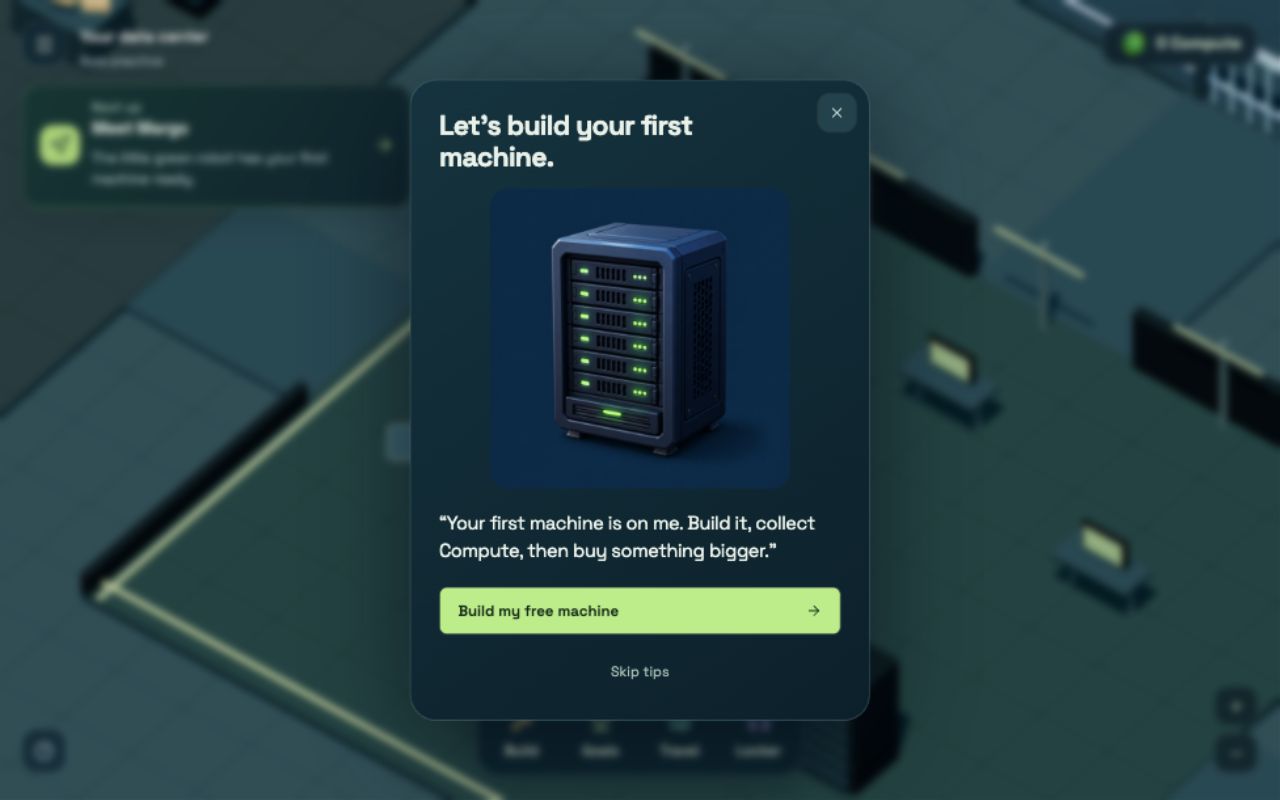
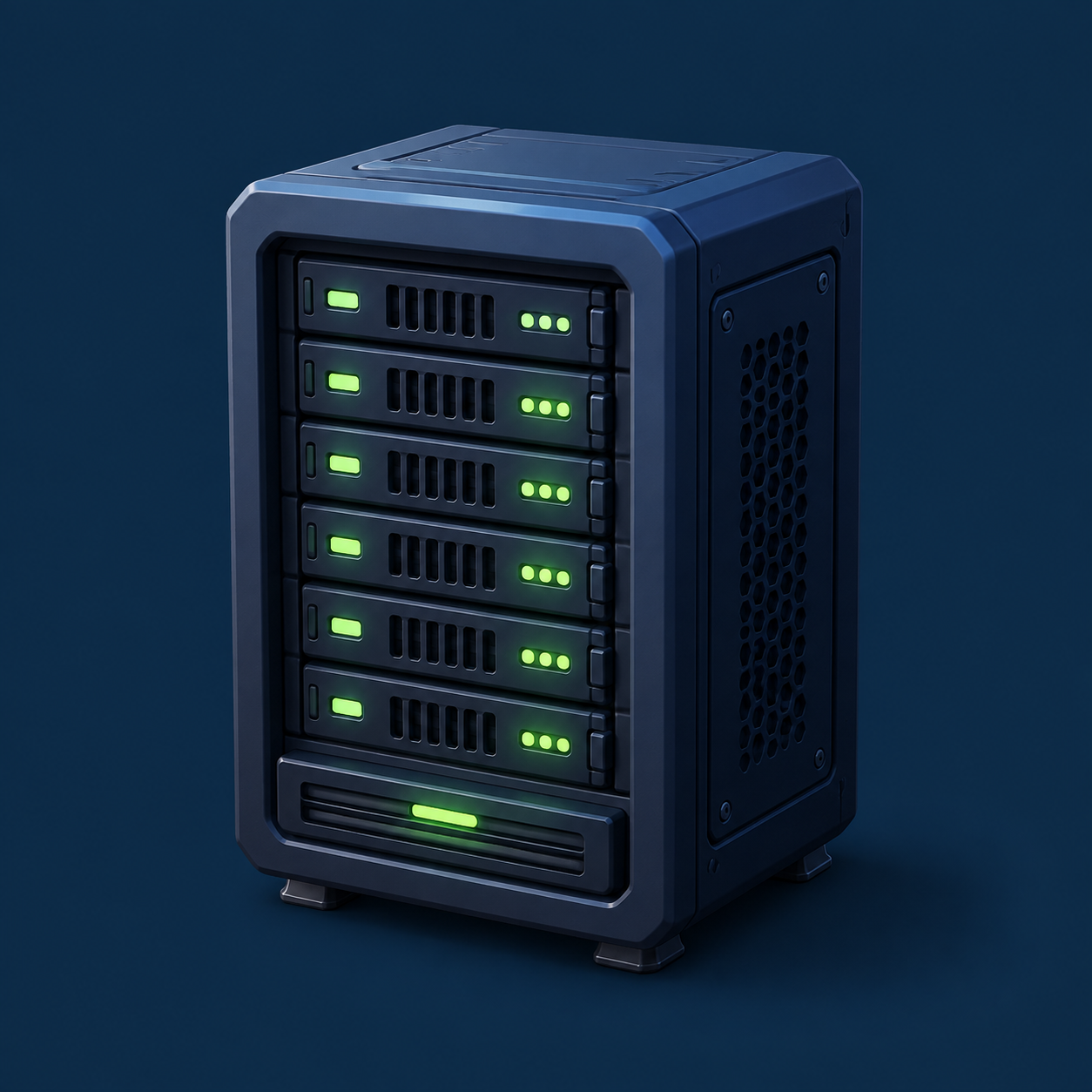
Meet Margo, the little green robot. Tap “Your next move” and Noobius walks over. Your first machine is free. Build it and watch the lights turn green.
You don’t need parts, a wallet, or tokens to try the game.
2Collect your Compute
Compute is your game money. Machines make it every 15 seconds. Tap the green Collect button to move it into your balance.
Your starter makes 24 Compute per minute. Storage holds an hour of earnings.
3Make more, faster
Open Center. Collect what your machines have made, then choose an upgrade. Tap a machine in the world to see its own upgrade first.
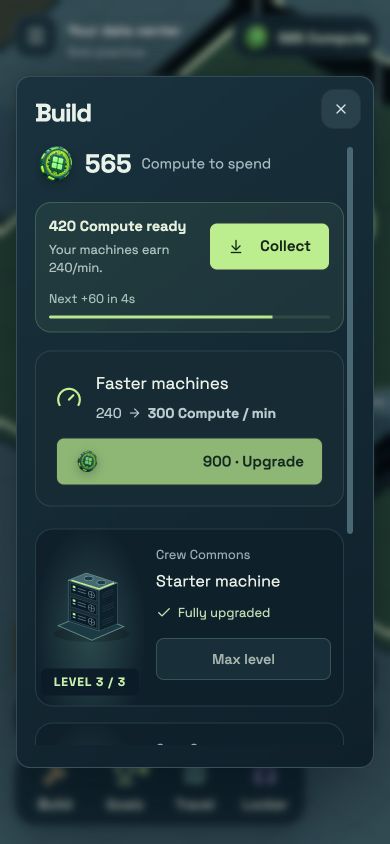
The “Faster machines” upgrade speeds up every machine at once. Each machine also has three levels of its own.
4Open a new room
In Center, tap “Make room for more.” Choose a room to see its machine spots, prices, and requirements. Unlock it, then tap “Go to room.”
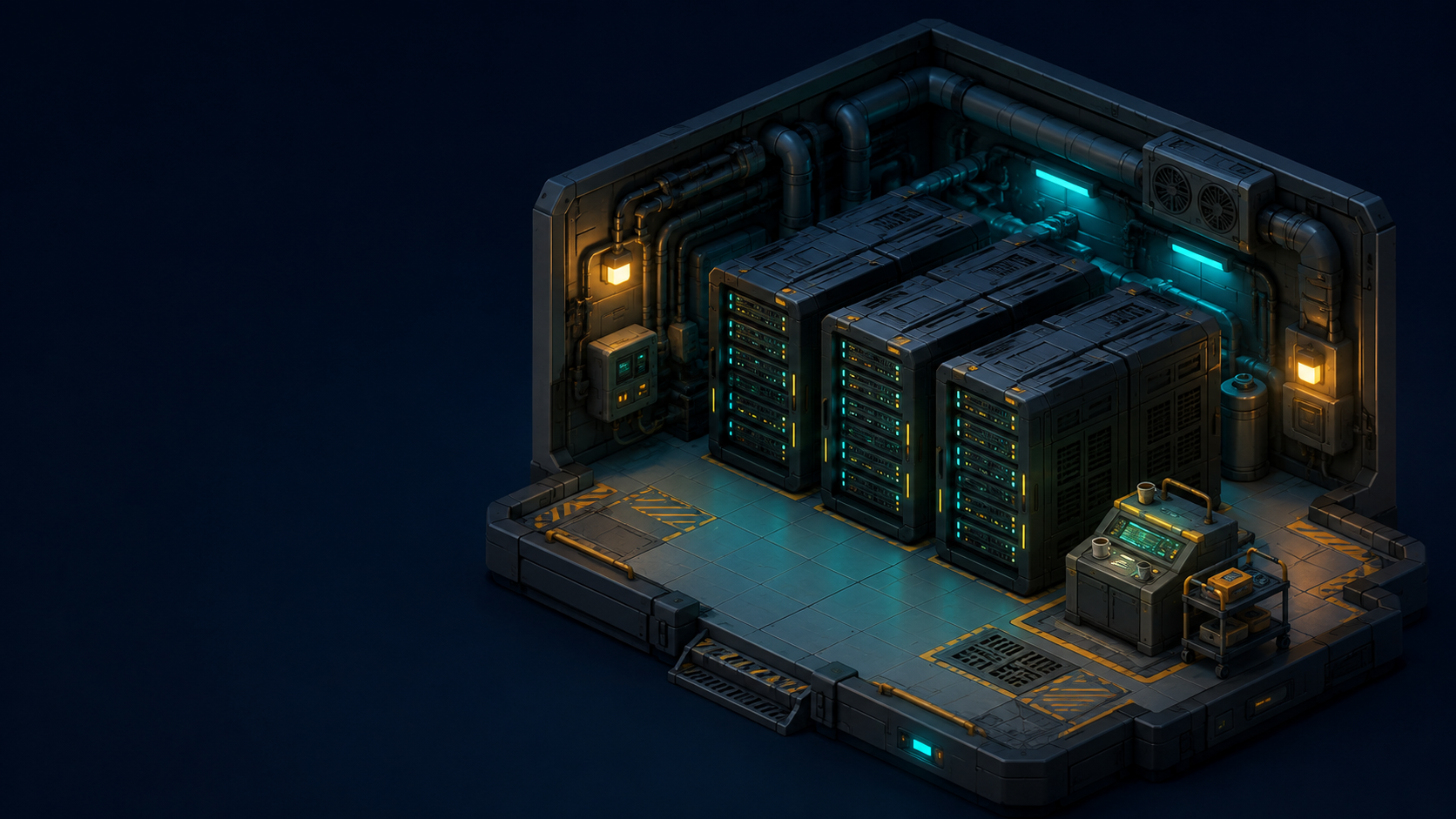
Cooling costs 100 Compute to open. Its machine costs another 180. Unlocking the room gives you space; building the machine makes it earn.
5Keep finding useful work
Open Clients. Compare three customers, reserve a machine and supply a batch. Demand changes after each booking. Choose Repair & parts jobs for hands-on jobs.
Complete commissions to certify Throughput, Resourceful or Reliability. In Distinctions, combine fresh client work, realm recoveries and crafted supplies to build a permanent monument. Then start another portfolio.
6Play for a little extra
Open Center and choose “A little extra” for a bonus boost. Or tap the gold Bonus button when it appears. Light up three buttons to wake a sleepy server.
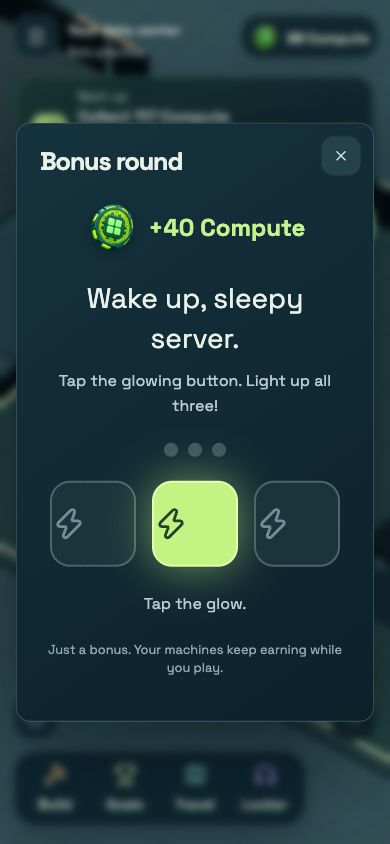
Bonuses are optional. Your machines keep earning while you play.
7A little win every day
Collect 100 Compute that day. In Clients → Repair & parts jobs → Milestones, open “Daily bonus” and claim 35 more. Finish on three different days to unlock the gold outfit.
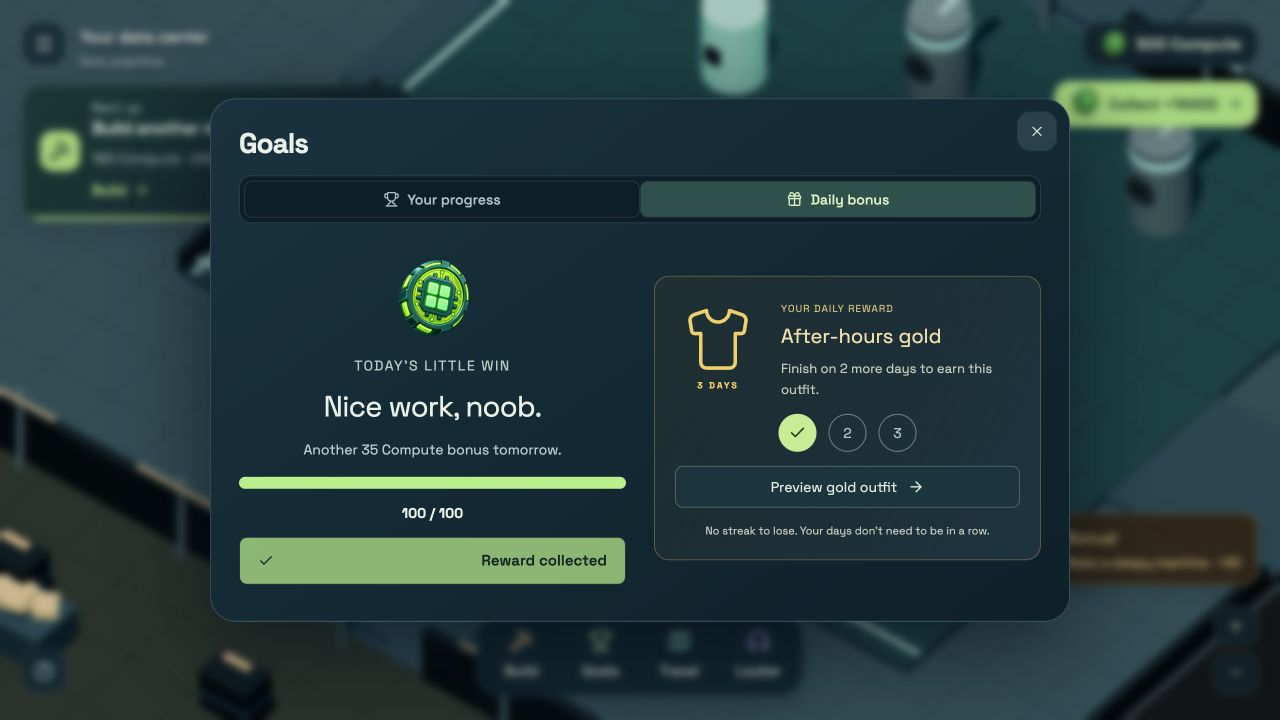
Preview the gold outfit right from Clients → Repair & parts jobs → Milestones. No streak to lose. Take a day off whenever you like.
8Make Noobius yours
Open Locker. Try colors, outfits, and accessories on a big live preview. Drag to turn him around, then Save look when you’re happy.

You can change your name too. New looks do not change your income.
9Visit the crew
Open Crew to meet up to four neighbors. Each player keeps their own center. Copy an invitation, visit a center or meet Margo in the plaza to build a cluster together.
Projects use completed jobs and crafted parts. They have no time limit, can be finished alone, and keep your earned reward after you leave.
10Make parts or trade for them
Supply jobs and cluster projects need real parts. Find them in your center, craft them at the workshop or buy from a player. Missing-parts help shows a route; it does not spend for you.
A first completed client job or equipment upgrade unlocks player trade. Search all offers, send one to a neighbor, or cancel yours to recover goods in parts storage.
11Earn levels. Explore new worlds.
Tap your level beside Compute. Crew Commons opens at level 1, Cooling Works at 3, GPU District at 5 and Archive Depths at 8. Each world has three stations on its district map. Sort salvage, route coolant pipes, schedule GPU work or restore archive snapshots. Choose extra parts or a quicker finish.
Live holder realms also need verified holdings and an Operator license: two jobs of each kind, a built module and a completed cluster. Solo practice keeps the level gates. Paid recoveries can be finished from anywhere.
12Getting around
Tap the floor to walk. Tap a machine to open it. “Your next move” leads you to your next goal. Scroll to zoom in or out.
Keyboard: WASD or arrows to move · E to use · R to turn the view · M for rooms · Esc for the menu.